[01]Set up
Four steps.
-
 MOPX
MOPX Get MOPX
Free on Google Play, for Android 7.0 and newer.
-
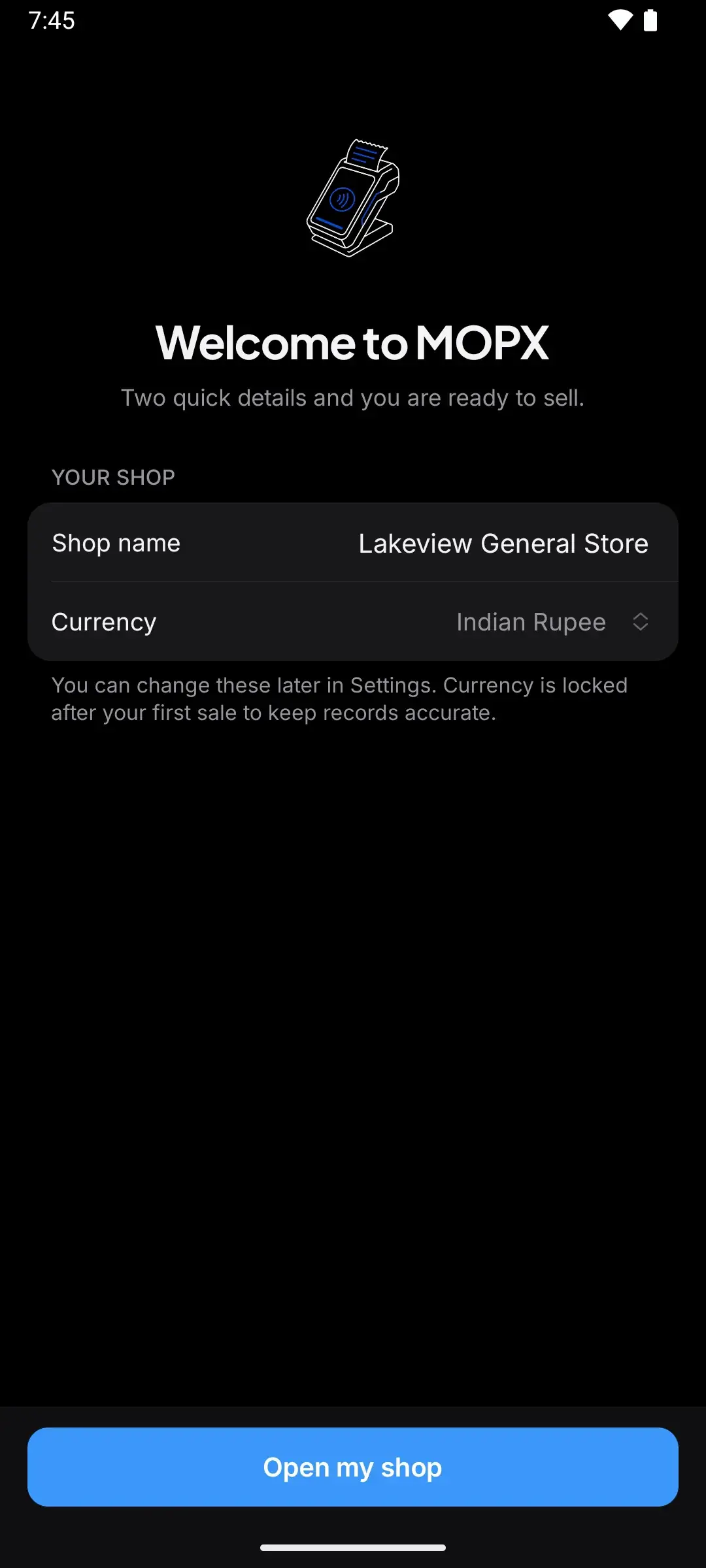
Name your shop
The rupee is already set. That’s the setup.
-
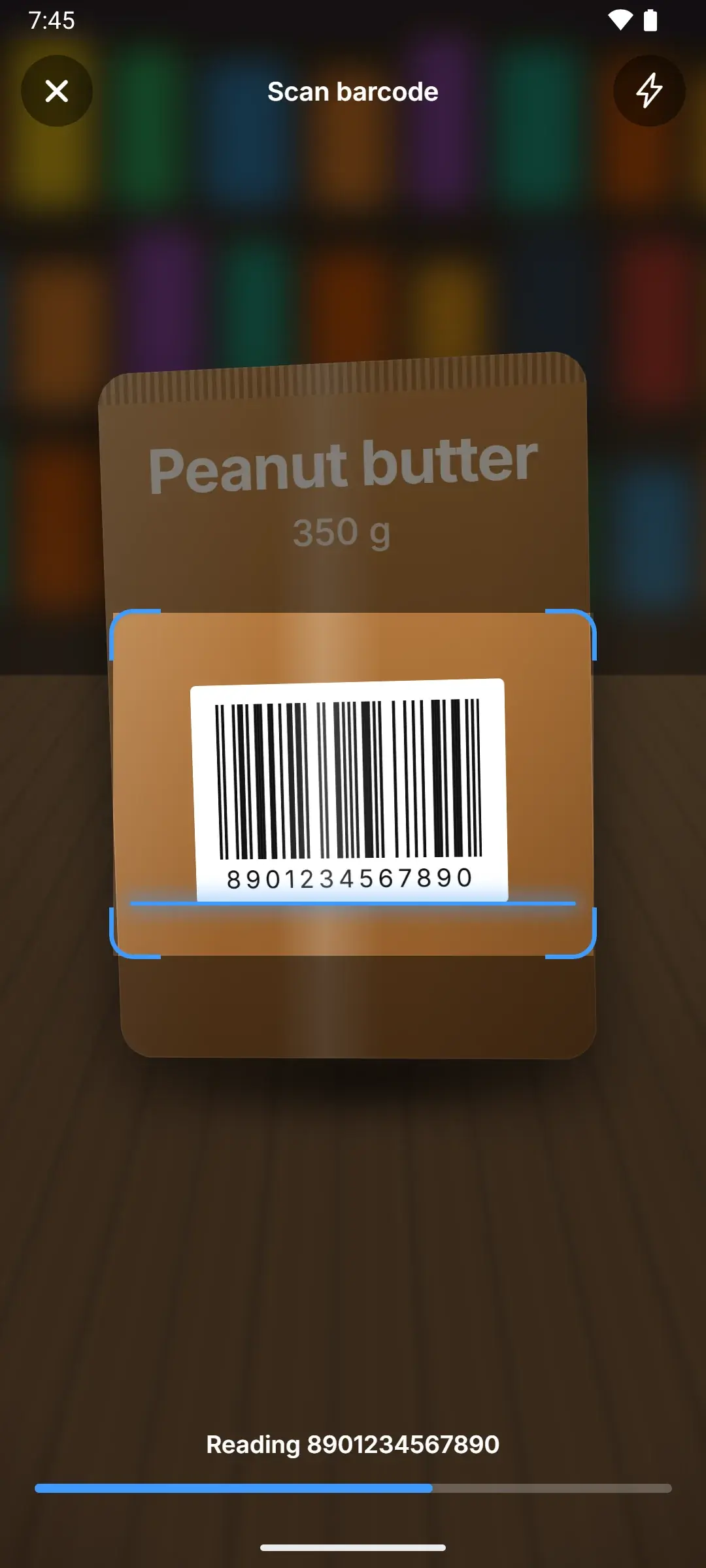
Add products
Scan a pack, type its price and stock. Or import a CSV.
-
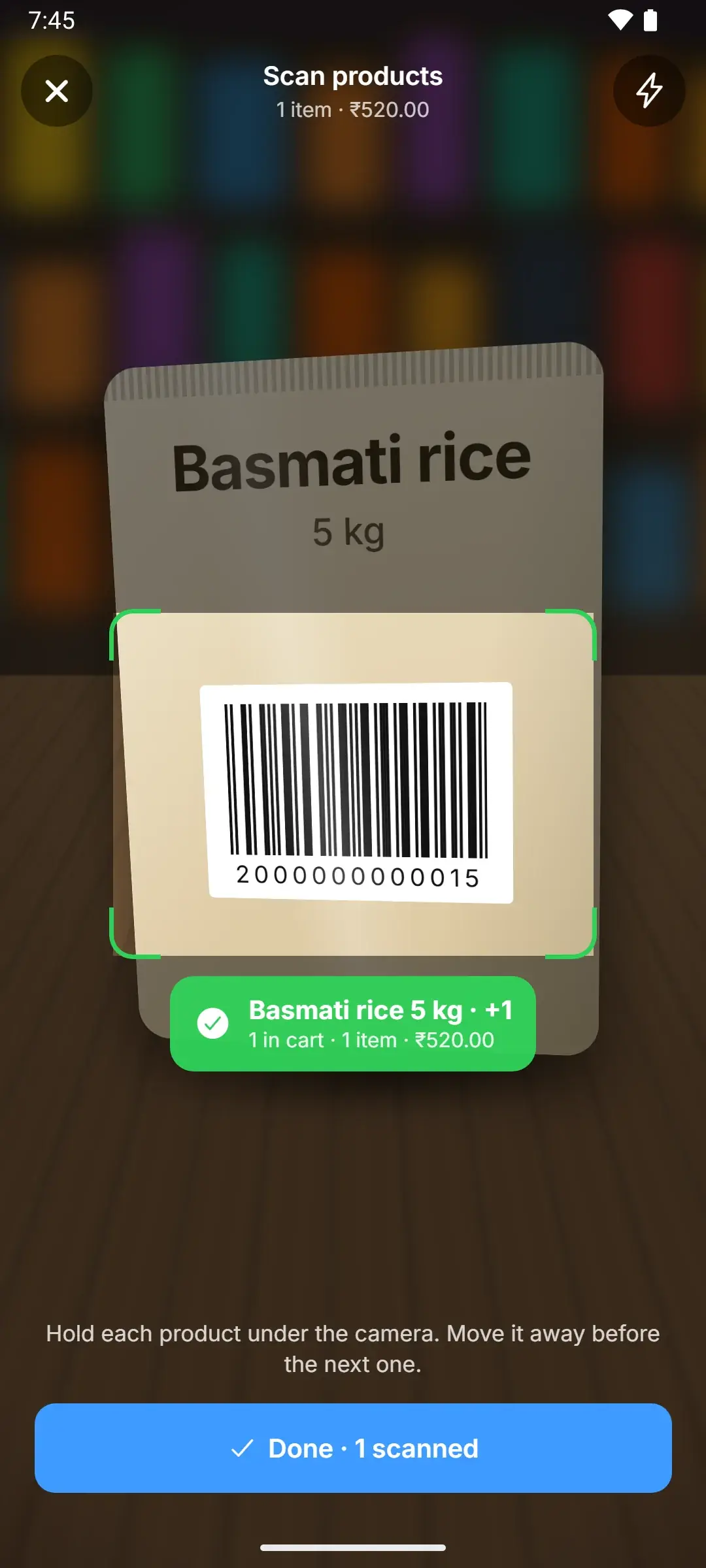
Start billing
Scan, take payment, hand the receipt.


[03]One good habit
Back up every week.
Turn on Google Drive backup for a daily copy in your own Google Drive, or save the encrypted backup file somewhere off the phone and keep the password safe.
Lose the phone without a backup and the data can’t be recovered. With Google Drive backup, restore your shop on a new phone.
[04]Install
Ready when your next customer is.
- Free
- Android 7.0+
- No account